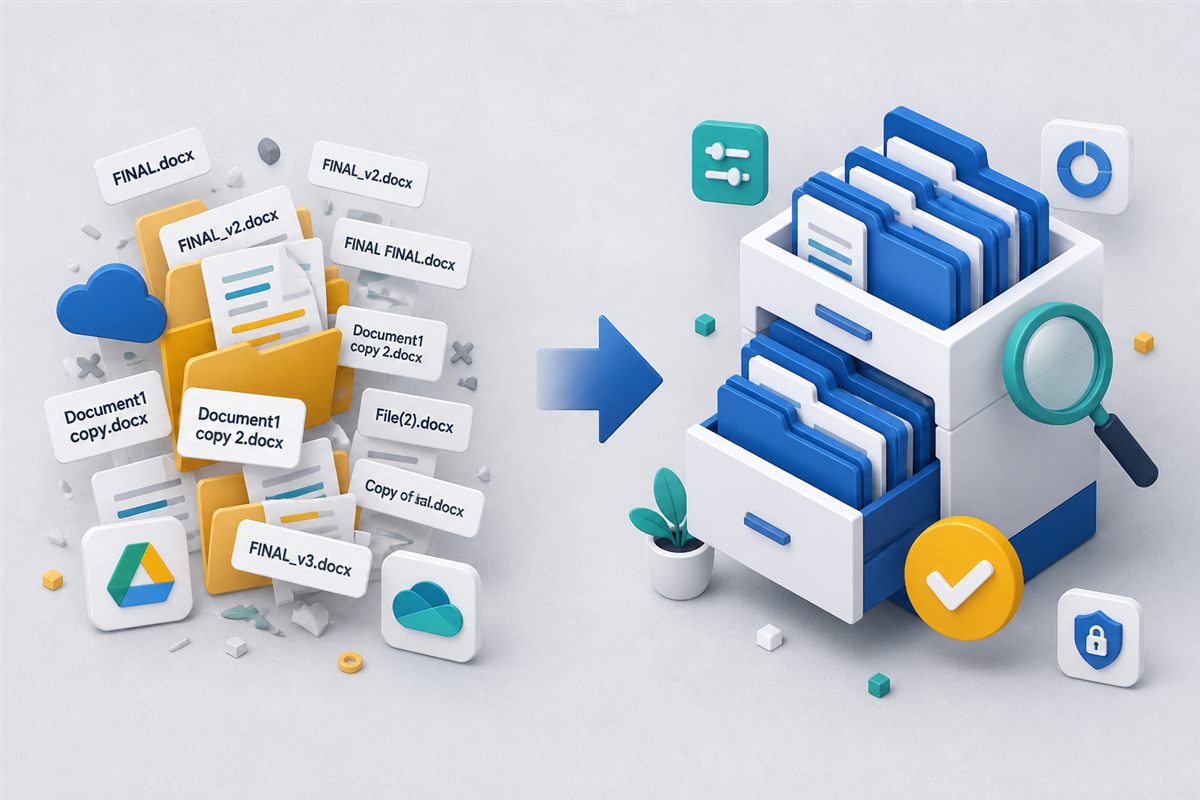
A document management system (DMS)—also called an electronic document management system (EDMS)—is software that stores business files as governed records. You can find the current version, control who sees it, search inside scanned PDFs, run an approval, and later prove who changed or shared the file. Shared drives and email folders store copies. They rarely do the rest.
If your team still lives in nested folders named FINAL_v2, this article explains what a DMS actually is, how it differs from storage, and when it is worth switching. For a side-by-side with Google Drive–style tools, see document management vs shared drives.
"Storage answers where the file is. A document management system answers which version is official, who may touch it, and what happened next."
The job a DMS is built to doDMS, EDMS, and “document management software”
Vendors use several labels for the same category:
- Document management system (DMS) — the common product name.
- Electronic document management system (EDMS) — the same idea, emphasizing that records are digital rather than paper cabinets.
- Document management software — the commercial search phrase buyers type when they are comparing tools.
Do not confuse this with legal case management (matters, billing, dockets) or generic business management software. A DMS is specifically about files: contracts, policies, invoices, drawings, employee packs, and the controls around them.
What a document management system does
A modern EDMS typically covers six jobs. You do not need every module on day one, but the category is defined by more than a folder tree.
1. A single record with version history
Instead of emailing Agreement_FINAL_John.docx, people open one document. New uploads become versions. You can restore an earlier issue without reconstructing it from inboxes. That is the difference between storage and document version control.
2. Search by content, not just filename
Full-text indexing—and OCR for scans—lets staff find a clause or invoice number inside PDFs and office files. Filename search fails as soon as the library is larger than what people remember. See full-text search and OCR.
3. Role-based access and an audit trail
Permissions follow roles and folders: HR sees personnel files, managers see only their team’s reviews, finance sees invoices. Every view, download, and share can be logged with user and IP. That is what role-based access control is for—and why auditors ask for it.
4. Workflows, forms, and signatures
Approvals, document requests, and electronic signatures keep work inside the system instead of as attachments. The signed or approved copy stays linked to the same record. Related reading: workflow bottlenecks and PDF e-signatures in a DMS.
5. Retention, holds, and disposition
Contracts, tax files, and HR records have keep-for-N-years rules. A DMS can apply retention schedules, pause deletion during a legal hold, and record when a file was destroyed. Start with document retention policies.
6. Controlled sharing outside the company
Clients and vendors often need to drop files in or download a current pack. Portals, request checklists, and expiring links beat “email me the zip.” See document portals.
DMS vs shared drive vs records system
These tools overlap on disk space. They do not overlap on governance.
| Need | Shared drive / folders | Document management system | Records management (RM) |
|---|---|---|---|
| Store and sync files | Strong | Strong | Strong (once declared) |
| Official version + restore | Filenames and luck | Built-in version history | Immutable after declaration |
| Search inside scans | Limited | Full-text + OCR | Usually inherits DMS search |
| Approvals and e-sign | Email / add-on | Native or integrated | Not the primary job |
| Retention and legal hold | Manual | Policies and holds | File plan, transfer, certificates |
| Prove who accessed a file | Weak or delayed | Audit trail | Audit trail + chain of custody |
Many organizations run a DMS first, then add records-management features for the subset of files that must be declared, transferred, or disposed with a certificate. You do not have to buy an RM suite to benefit from an EDMS. The split is explained in records management vs document management.
When folders stop being enough
A shared drive is still the right tool for informal drafts. Watch for these signals that you need a document management system:
- You cannot say which version was approved or sent to a client.
- People hunt by asking Slack, not by searching content.
- External parties send documents you must collect, complete, and retain.
- Contracts, invoices, or policies need a review path with a deadline.
- A regulator, customer, or court would expect access logs, retention, or a legal hold.
Two or more “yes” answers usually means folder chaos is already costing time and risk. For the financial framing, see document management ROI.
What to look for in document management software
Buying guides often drown in feature lists. For growing teams, the short checklist is:
- Repository + versions you will actually use (preview, restore, no “v17_FINAL”).
- Permissions that match your org chart, not a single shared password.
- Search that works on scans, not only Office files.
- Workflows you can change without a six-month IT project.
- Audit trail you can export when someone asks.
- Retention and hold if you keep regulated records.
- Deployment that fits — cloud is the default; some industries still require on-prem. Compare models in cloud vs on-premise.
Industry pages (legal, healthcare, HR, government) should describe your file types and rules, not a renamed generic brochure. For the full scorecard, see how to choose document management software. TurboDMS is an enterprise document management system with a dedicated document management software product page if you want to see how those pieces fit together.
How TurboDMS maps to this definition
TurboDMS is built as an EDMS for fast-growing teams: a central repository, version history, role-based access, full-text and OCR search, workflows and forms, built-in e-signatures, retention, and audit logs. AI document processing can classify and extract metadata so files are findable without manual tagging. You do not need every module on day one—most teams start with folders, versions, and permissions, then add workflows and retention as the library grows.
Frequently asked questions
What does EDMS stand for?
Electronic document management system. In product marketing it is interchangeable with DMS: software that stores, versions, searches, and governs electronic files rather than paper.
Is a DMS the same as cloud storage?
No. Cloud storage is built to sync and store. A DMS adds version history, role-based permissions, audit trails, content search, and often workflows, retention, and e-signatures.
Who needs a document management system?
Teams that must prove which version was approved, find files by content, collect documents from outside parties, run structured reviews, or keep retention and access logs. If two or more of those apply, folders alone are usually costing more than they save.
The bottom line
A document management system is not “a nicer shared drive.” It is the system of record for files that matter: the current version, the right people, searchable content, and evidence of what happened. When filename chaos and email attachments become your process, you already need an EDMS—you are just paying for it in lost time instead of software.