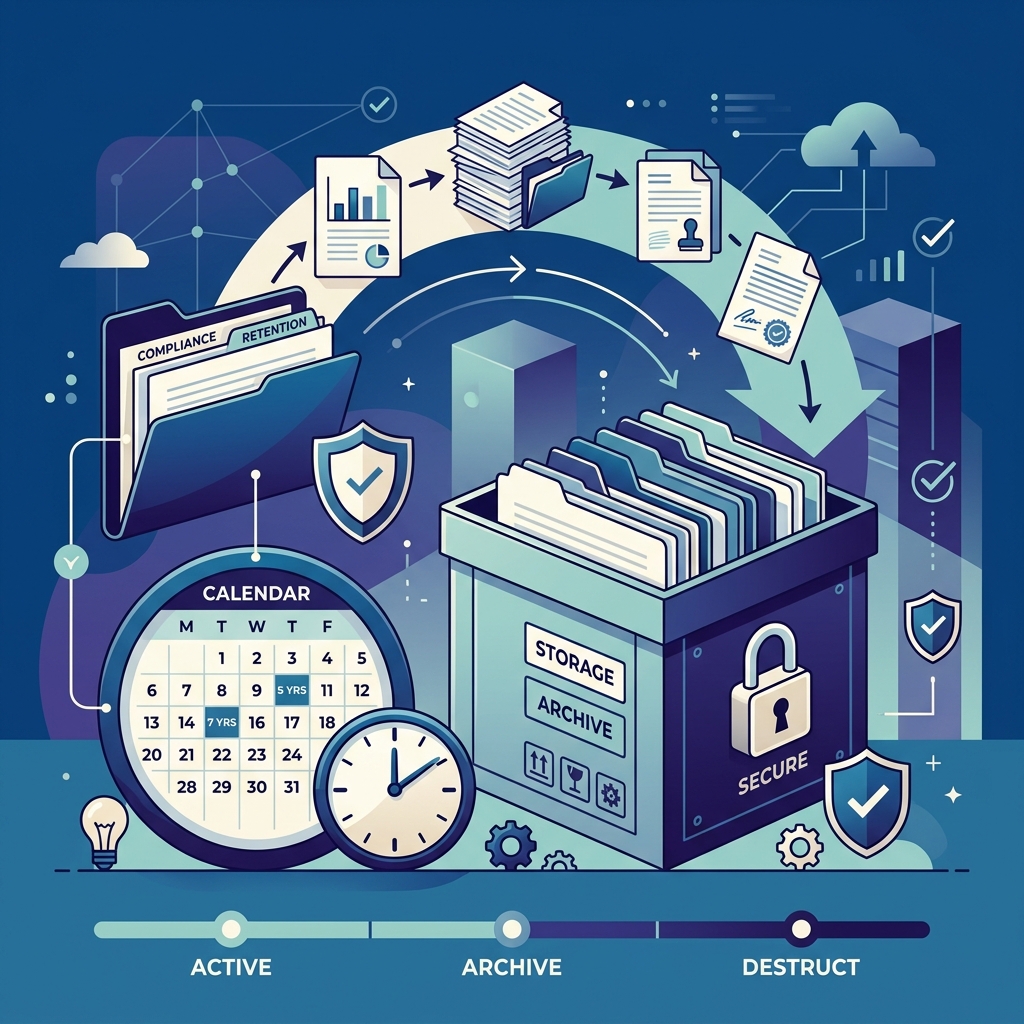
Document management is how teams store, version, search, and approve files they still use. Records management is how organisations treat a subset of those files as official records: declared, classified, retained, frozen for a dispute, and destroyed with proof. People search “records management software” and “document management system” as if they were twins. They overlap. They are not the same job.
If you need the DMS definition first, read what a document management system is. This article is the fork in the road.
"Every record is a document. Not every document is a record you must defend in court or to a regulator."
Declare with intentSide by side
| Document management (DMS / EDMS) | Records management (RM) | |
|---|---|---|
| Primary job | Find, version, permission, workflow | Classify, retain, hold, dispose, prove |
| Typical object | Working contract draft, invoice in AP | Declared record in a file plan |
| Change | New versions are normal | Often immutable after declaration |
| End of life | Retention policy / delete with a log | Disposition with a certificate in many programs |
| Who cares most | Operations, legal ops, finance, HR | Records officers, government, regulated industries |
What “records management software” usually adds
- File plan — a hierarchy of record classes, not just project folders.
- Declaration — this file is now an official record (often locked).
- Transfer / archive — custody moves without losing the trail.
- Disposition — destroy or transfer on schedule, with evidence.
- Holds — same idea as a legal hold, often tied to the records program.
A DMS without a full RM module can still do a lot: retention schedules, holds, and audit logs. That is enough for many commercial teams. RM is the extra machinery when “we kept it in a folder for seven years” will not satisfy an inspector.
When a DMS is enough
Start with document management if your pain is version chaos, weak permissions, no search in scans, or approvals in email. Add retention rules on contracts, invoices, and HR files. Turn on holds when litigation is reasonably anticipated. You are already doing lightweight records work without buying a standalone RIP (records in place) suite.
When to add records management
Look for these signals:
- A statute or contract requires a formal file plan or transfer to an archive.
- You must prove destruction with a signed disposition package, not only an audit row.
- Declared records must be immutable while drafts stay editable in the DMS.
- Public-sector or ISO 15489-style programs are in scope.
Do not declare every PDF as a record. That recreates the “keep everything forever” problem with extra clicks.
How TurboDMS splits the work
TurboDMS is a document management platform first: repository, versions, RBAC, search, workflows, e-sign, retention, and legal holds. Records management (file plan, declaration, transfer, disposition certificates) is available on plans that include that module—so you can grow from DMS into RM without a second silo. Confirm the module on your plan before you promise inspectors a full RM program.
Frequently asked questions
What is the difference?
DMS runs working files. RM declares and governs official records through classification, retention, holds, and defensible disposal.
Do I need RM software if I have a DMS?
Not on day one if retention and holds cover the risk. Add RM when you need declaration, a file plan, transfers, or disposition certificates.
Is this only for government?
Government uses it most. Any organisation that must prove keep-or-destroy can outgrow simple retention folders.
The bottom line
Buy document management to run the business. Add records management when you must defend the lifecycle of official records. Confusing the two leads to either no control or a file plan nobody will use.