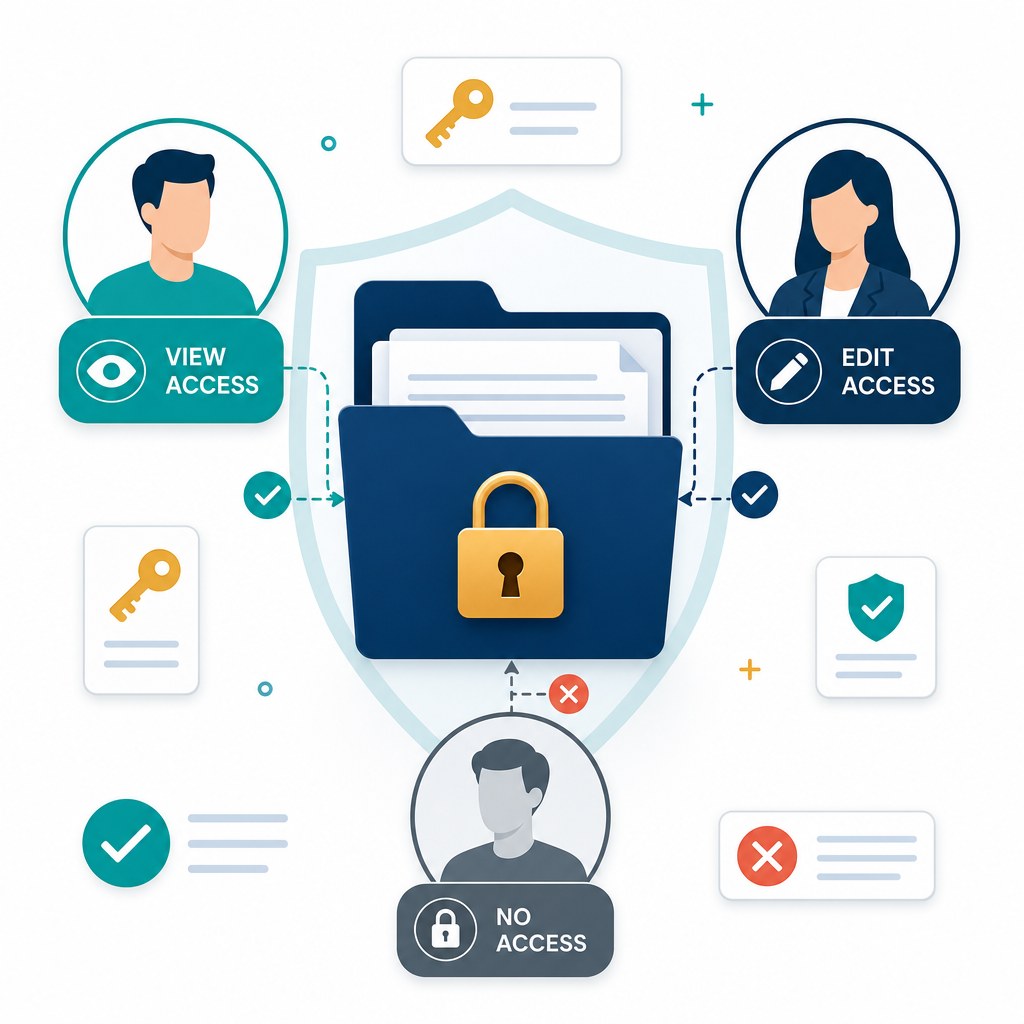
Encryption protects documents at rest. Audit trails show who touched them. But neither answers the everyday security question every organization faces: who should be able to open this file in the first place?
Role-based access control (RBAC) is the answer. Instead of granting permissions person by person, you assign people to roles—Finance Reviewer, HR Manager, Outside Counsel—and those roles carry a defined set of view, edit, share, and delete rights. When someone changes jobs, you change their role once and their document access updates with them.
"Least privilege is not about distrust. It is about limiting blast radius when something goes wrong."
Core principle of enterprise access designWhy Shared Folders Are Not Enough
Many teams still rely on broad folder permissions: everyone in Sales can open the Sales drive. That model breaks as soon as documents inside the folder have different sensitivity levels:
- A draft pricing proposal may be fine for the whole team.
- A signed customer MSA may need to stay with legal and account owners only.
- An HR investigation file should never appear in a general shared space at all.
Without document-level or role-aware controls, organizations either overshare (too many people see too much) or undershare (work stalls while people wait for access).
Building an RBAC Model That Scales
1. Start with Business Roles, Not Job Titles
Define roles by what people need to do with documents: create, review, approve, archive, or audit. A "Manager" title means different things across departments; a "Contract Approver" role is clear and reusable.
2. Apply Least Privilege by Default
New users should receive the minimum access required for their role. Elevated rights—download, external share, permanent delete—should be explicit grants, not defaults. Temporary elevated access should expire automatically when the project ends.
3. Separate View from Act
Seeing a document is not the same as editing, downloading, or sharing it. Strong RBAC models distinguish these actions so auditors can review without altering evidence, and reviewers can comment without exporting files to email.
4. Review Access Regularly
People change teams. Contractors finish projects. Former employees sometimes retain lingering shared-link access. Schedule periodic access reviews—especially for repositories holding financial, health, or legal records—and revoke what is no longer needed.
RBAC and Compliance
Regulations such as GDPR, HIPAA, and industry audit frameworks expect organizations to demonstrate controlled access to personal and sensitive data. Role-based permissions paired with immutable audit logs make that demonstration practical: you can show who had access, under which role, and what they did, without reconstructing history from email forwards.
How a Modern DMS Implements This
Document platforms like TurboDMS embed RBAC into everyday document work:
- Role and group permissions that apply consistently across folders, libraries, and individual files.
- Granular actions for view, edit, share, download, and delete rather than a single "full access" switch.
- Inheritance with overrides so most documents follow folder policy, while sensitive files can be locked down further.
- Audit trails that record permission changes alongside document activity for compliance reviews.
The Bottom Line
Good document security is not just strong encryption. It is deliberate access design: the right people, the right permissions, for the right length of time. Role-based access control turns that design into something your organization can manage as it grows—without relying on tribal knowledge or one-off share links.