
Cloud vs on-premise is not a modernity contest. It is a question about who patches the server, where the files physically sit, and whether your team can work when the office internet dies. If you still need the product definition, start with what a document management system is. This guide is the deployment decision after you already know you need a DMS, not another shared drive.
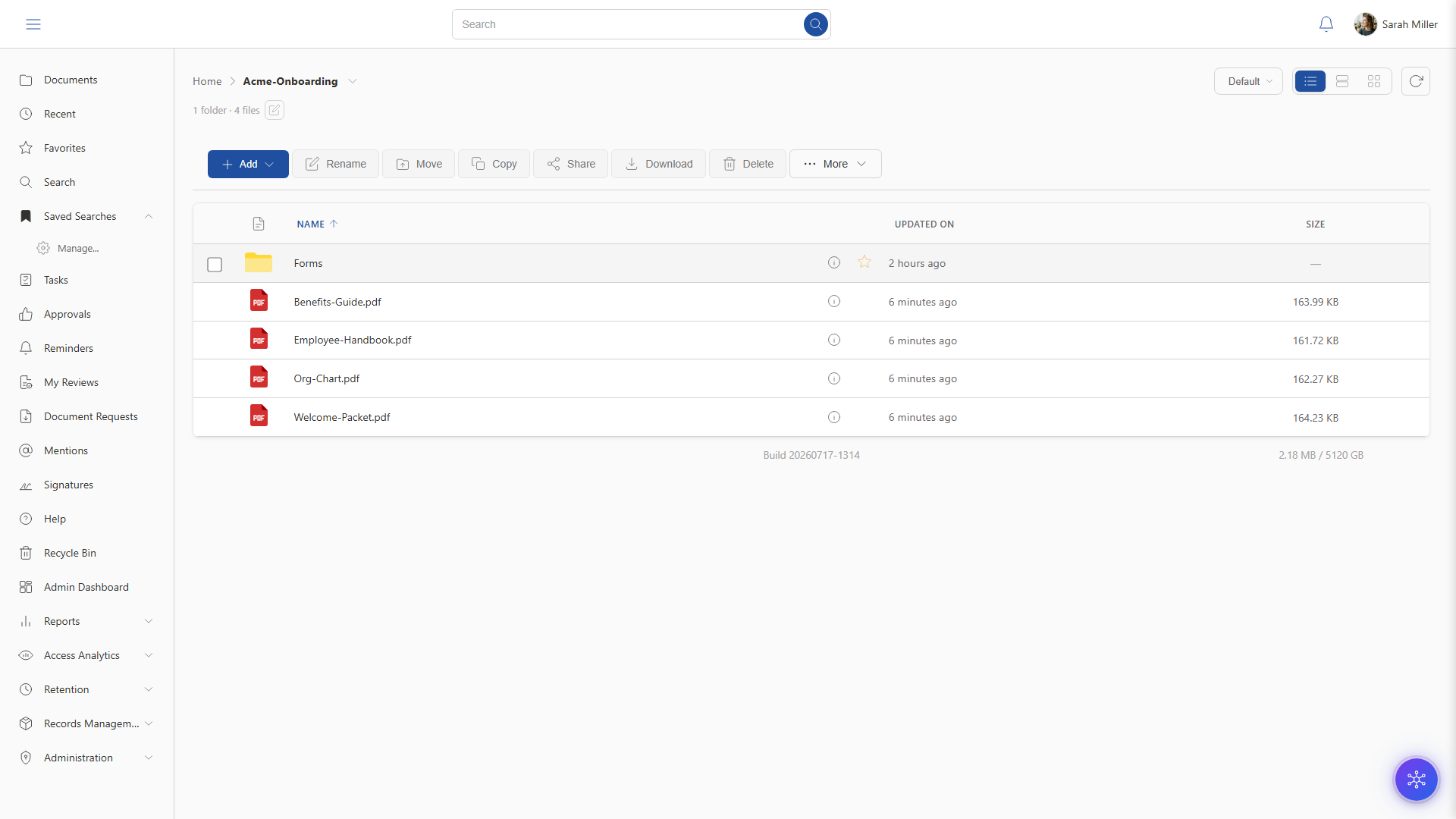
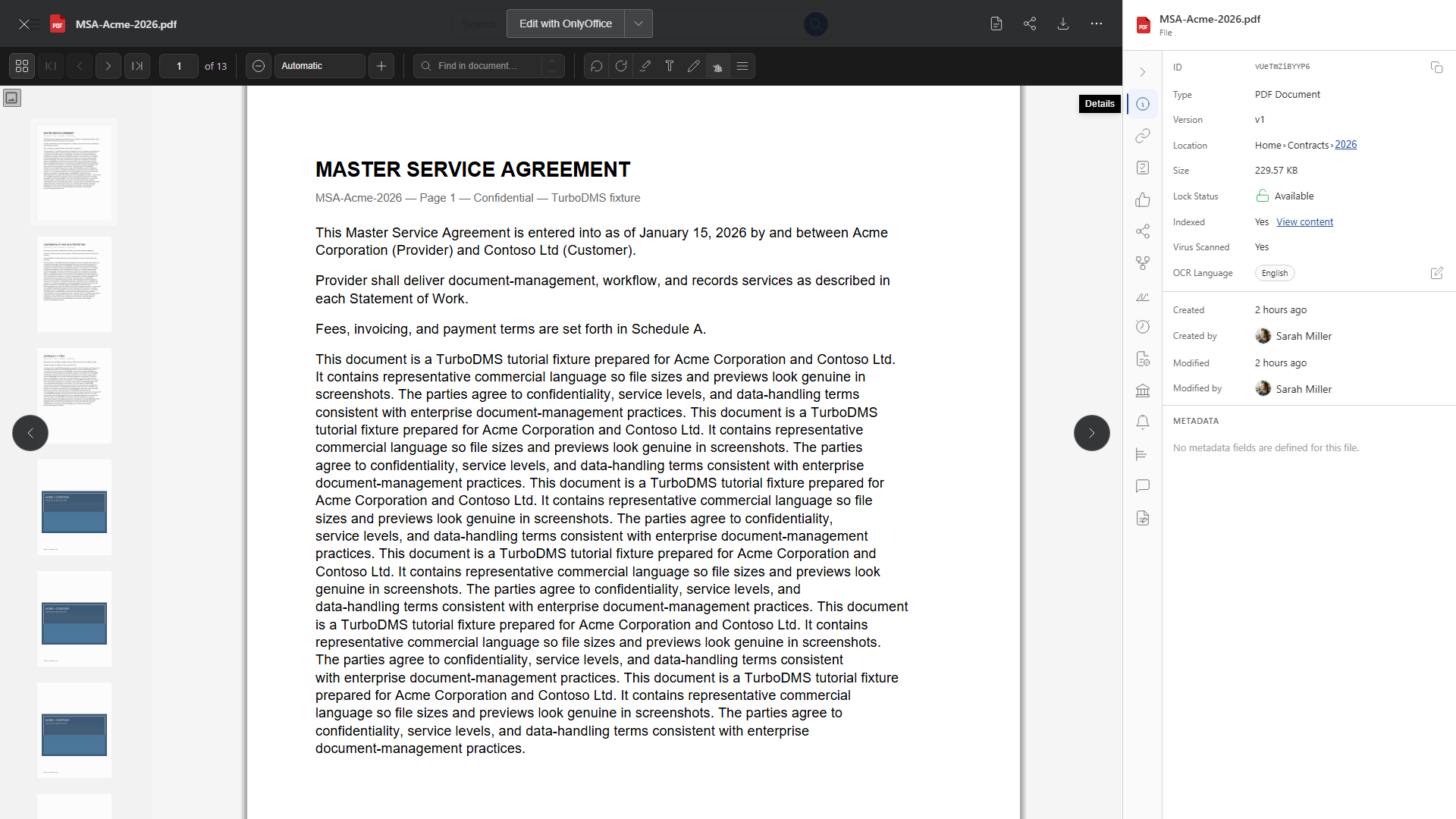
TurboDMS runs both ways: cloud workspaces have no setup fee; on-premise installs are available and may include professional services. The library, preview, search, and approvals you see below are the same product either way—the difference is who operates the stack.
"If you cannot name who applies security patches on Saturday night, you do not have an on-prem strategy. You have a server that will fall behind."
Operations is the real splitWhat actually changes between the two models
The document job does not change. You still need versions, role-based access, search inside scans, workflows, and an audit trail. What changes is custody and operations:
- Where bits live — vendor-operated data centers vs hardware you (or your hoster) rack.
- Who patches and backups — the vendor’s runbook vs your IT team’s.
- How you reach the UI — the public internet (usually with SSO) vs your network, VPN, or a private link.
- Who answers a subpoena or residency question — the vendor’s DPA and region list vs your own racks and contracts.
- Time to first useful library — days for a standard cloud workspace vs an install project for on-prem.
Encryption (AES-256 at rest and in transit on TurboDMS), permissions, and audit logs are not “cloud features.” They have to exist in both models or the product is not a DMS. Details: security.
A decision table, not a slogan
Score each row for your organization. If more than two “on-prem” cells are true and written in policy, take on-prem seriously. If they are vibes from 2018, re-read the policy with legal before you buy racks.
| Question | Cloud DMS is usually enough | On-premise (or private instance) is in play |
|---|---|---|
| Written residency rule | Vendor region / DPA covers it | Files must stay on infrastructure you operate |
| IT capacity | Small team; you want the vendor to patch | You already patch, backup, and monitor 24/7 |
| Internet to users | Reliable enough for daily web apps | Sites regularly cannot reach a vendor region |
| Time to live | Need a working library this month | You can wait on hardware, identity, and cutover |
| Upfront cost | Prefer per-user SaaS; no setup fee (TurboDMS cloud) | Capex plus professional services is acceptable |
| Remote / multi-office | People already work in the browser | You will expose the stack via VPN or equivalent anyway |
When cloud is the honest default
Most growing teams should start in the cloud because the bottleneck is document control, not rack space. You get:
- A workspace in days, not a months-long DMS program. That is the same “live in days” bar we use on compare pages.
- Vendor-applied patches and capacity. Your job is identity (SSO), who is in which role, and retention rules—not disk firmware.
- Access from web, and on TurboDMS also Windows, macOS, Android, and iOS, without standing up a remote-access project first.
Cloud is a poor fit if you cannot accept the vendor’s subprocessors or region, or if a regulator has already told you “not this class of SaaS.” Those are facts. “We feel safer in the server room” is not, if that room has no tested restore.
When on-premise still earns its keep
On-prem is a real answer for some government, healthcare, and industrial sites, and for companies whose counsel has a written “customer-operated infrastructure” requirement. Typical reasons that survive a review:
- Data sovereignty as a contract — not a preference. The files must not leave a building or a named network.
- Air-gapped or unreliable WAN — plants and field offices that cannot depend on a vendor URL every hour.
- Existing private stack — you already run identity, backup, and monitoring, and adding one more application is cheaper than a second residency review.
If you choose on-prem, budget the unsexy work: OS and application patches, backup restore tests, certificate rotation, and who is on call. TurboDMS on-premise may include professional services for that install; it does not replace an ops team.
Failure modes we see in this debate
- “Private cloud” as a slogan. If you still cannot name the region, the backups, and the DPA, you bought hosting with extra invoices—not a residency strategy.
- On-prem for security, then no MFA. A server you forgot to patch is not more secure than AES-256 SaaS with SSO. Compare controls, not the building.
- Assuming the product is different. For TurboDMS, search, approvals, and e-sign are the same job. Do not expect a second UI as a consolation prize for on-prem.
- Skipping export. Ask how you leave with files and metadata. Custody without an exit is lock-in, in either model.
If the real pain is folders, not hosting, read DMS vs shared drives before you argue about racks. If you are still choosing software, use how to choose document management software and treat deployment as one score—after versions, search, and audit work on your files.
How to trial this without fooling yourself
- Run the 14-day cloud trial (no credit card) and load the same five files you would keep on-prem.
- Prove restore, scan search, a role that cannot open HR, and an exported audit log. Those tests do not care where the VM lives.
- If policy still requires on-prem, contact us about an on-premise install and professional services. Do not skip the cloud trial—you are testing the product, not the data center brochure.
Pricing is per user from $9.99/month on published plans. Cloud has no setup fee. On-prem cost is the license plus whatever install and operations you actually staff.
Frequently asked questions
Is on-premise document management more secure than cloud?
Not automatically. Security is encryption, access control, patching, backups, and who can reach admin. On-prem gives you physical custody of the disks and full responsibility for missed updates. Cloud shifts operations to the vendor—safer than an unpatched closet, and only “riskier” if you cannot accept that vendor’s residency and subprocessors.
Does TurboDMS run in the cloud or on-premise?
Both. Cloud deployments have no setup fee and are typically live in days. On-premise installations are available and may include professional services. Same FAQ on the TurboDMS FAQ.
When should a team choose on-premise?
When a written policy or regulator requires files on infrastructure you operate, when internet to a vendor region is too unreliable for daily work, or when you already run a capable ops team. If none of those are true, start in the cloud.
The bottom line
Pick the model that matches a written residency rule and the team who will actually patch the box. For most organizations that need a DMS this quarter, cloud is the default. On-prem remains a product option when custody is a requirement, not a feeling. Then judge the software on versions, search, permissions, and audit—the hosting argument is only half the buy.