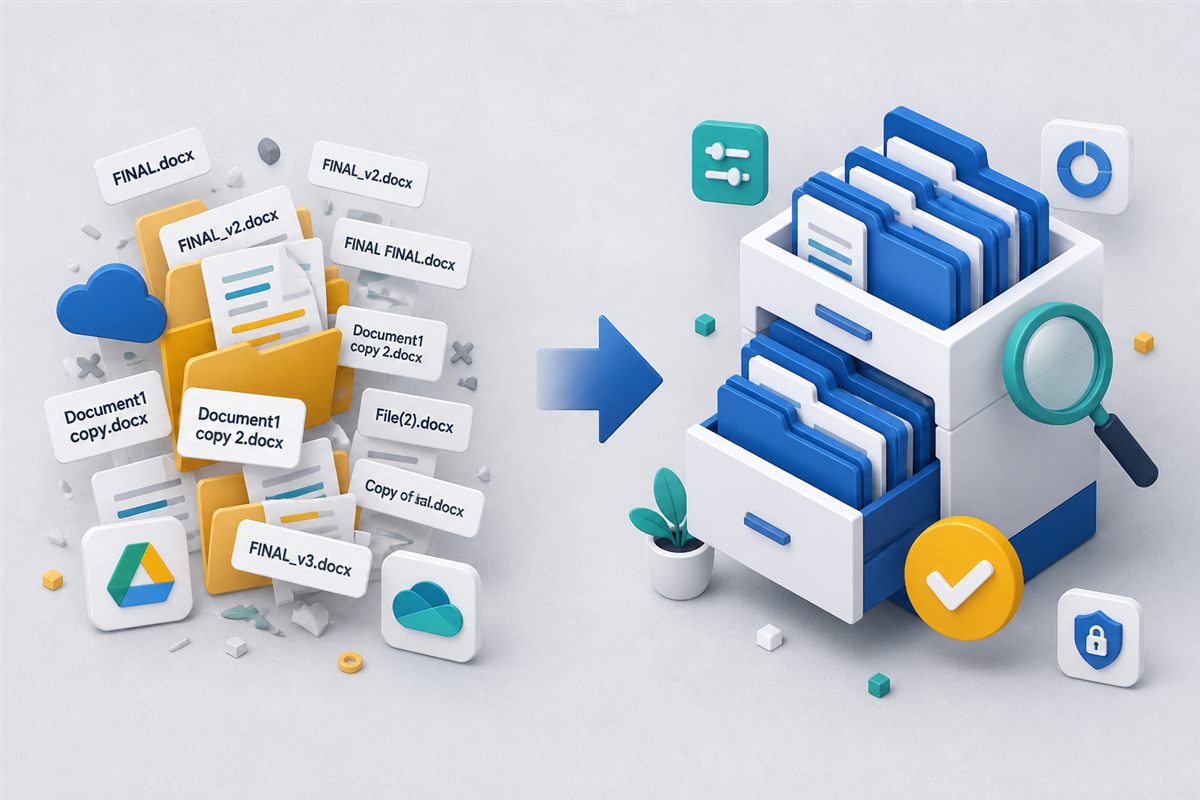
Most teams start with a shared drive—and for good reason. It is cheap, familiar, and good enough when five people share a project folder. The trouble begins when those five people become fifty, contracts need approvals, clients ask for the “latest signed copy,” and nobody can say who changed a clause last Tuesday.
Shared drives are excellent file storage. They are not document management. If you need a plain definition first, start with what a document management system (EDMS) is. Knowing the difference helps you decide when folders are enough—and when you need a system built for control, search, and accountability.
"If your source of truth is whoever saved the file last, you do not have a source of truth."
Common failure mode in growing teamsWhat Shared Drives Do Well
Consumer and workplace cloud drives solve a real problem: putting files somewhere everyone can reach. They typically excel at:
- Simple storage and sync across desktops and phones.
- Basic sharing with links or folder permissions.
- Lightweight collaboration for drafts that do not need formal review.
- Low friction—almost everyone already knows how to use them.
If your work is mostly informal collaboration and you rarely need audit history or structured approvals, a shared drive may still be the right tool.
Where Folders Start to Break
Growth exposes the gaps. Watch for these signals:
- Filename chaos. Proposal_v3_FINAL_John_edits.docx becomes the unofficial versioning system.
- Search by memory. People dig through nested folders or ping teammates because content search is weak or inconsistent.
- Permission sprawl. “Anyone with the link” and inherited folder rights blur who can view, edit, or share sensitive files.
- No approval trail. You cannot show which version was reviewed, who signed off, or when a document was distributed externally.
- Email as the workflow. Attachments bounce between inboxes, creating parallel copies outside the “official” folder.
What a Document Management System Adds
A DMS treats a file as a governed record—not just a blob in a tree. Core capabilities usually include:
1. One Record, Many Versions
Instead of renaming copies, the system keeps a single document with automatic version history, check-in/check-out, and restore. Teams open “the contract,” not a pile of near-duplicates. (See our guide on document version control.)
2. Content Search, Not Just Filenames
Full-text indexing—and OCR for scanned PDFs and images—lets people find documents by what is inside them. That alone often pays for the switch when libraries grow past what humans can browse.
3. Role-Based Access and Audit Trails
Permissions follow roles and folders with clearer view/edit/share boundaries. Tamper-evident audit logs show who accessed or changed a file—essential when compliance or disputes arrive. (Related: RBAC for documents.)
4. Workflows, Forms, and Signatures
Approvals, acknowledgments, document requests, and electronic signatures keep work inside the system instead of in email threads. Signed and approved copies stay linked to the same record and history.
A Practical Decision Framework
Ask your team:
- Do we regularly need to prove which version was approved or shared?
- Do people waste time hunting for files by content, not just name?
- Do external parties send us documents we must collect, track, and retain?
- Do contracts, policies, or invoices need structured review and deadlines?
- Would a regulator or auditor expect retention, legal holds, or access logs?
Two or more “yes” answers usually mean folders alone are costing more than they save—in time, risk, and rework.
How a Modern DMS Helps
Platforms like TurboDMS sit on top of organized storage with the controls shared drives lack:
- Central repository with folders, version history, and in-browser preview.
- Full-text and OCR search so scanned and office files are findable by content.
- Workflows, tasks, and e-signatures for reviews that need a clear trail.
- Controlled sharing with expiry, passwords, and audit-ready activity logs.
- Retention and legal hold when records must be kept—or protected from deletion.
You do not have to abandon cloud collaboration overnight. Many teams keep informal drafts in familiar tools and move controlled records—contracts, client packs, policies, invoices—into a DMS where governance matters.
The Bottom Line
Shared drives scale storage. Document management scales trust: the right file, the right people, the right version, with evidence to back it up. When folder hunting and email attachments become your process, it is time to graduate from storage to a system.