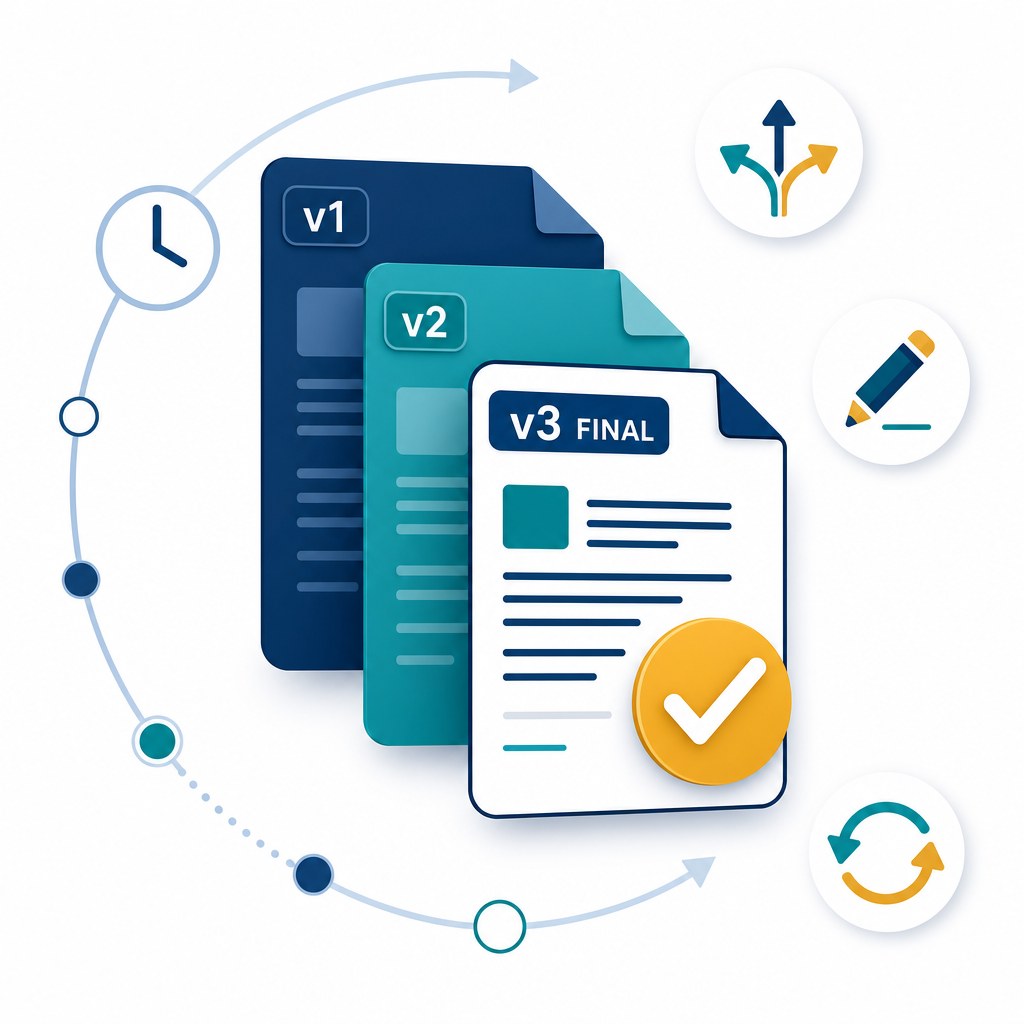
Open a shared drive or email thread and you will eventually find a file named something like Contract_v2_FINAL_revised_John_edits2.docx. Everyone thinks they are working from the latest copy. Half the team is not. That quiet mismatch is one of the most expensive and least visible problems in document-driven work.
Document version control is the discipline of keeping a single authoritative file, recording every change in order, and making it obvious which revision is current. Done well, it turns chaotic file naming into a reliable audit trail.
"If you cannot prove which version was approved, you cannot defend the decision that followed."
Common principle in contract and compliance reviewsWhy Filename Versioning Fails
Emailing attachments and saving renamed copies feels simple, but it breaks down as soon as more than two people edit the same document:
- Parallel edits. Two reviewers download the same draft, make conflicting changes, and both upload "final" versions.
- Lost context. Filenames rarely capture who changed what, when, or why a clause was updated.
- Wrong distribution. Stakeholders receive an outdated PDF while legal has already signed off on a newer one.
- No rollback. Recovering an earlier clause often means hunting through inboxes and personal folders.
Core Practices That Actually Work
1. One File, Many Versions
Store a single document record and let the system append versions automatically. Users should open "the contract," not choose between five competing filenames. Check-in and check-out (or equivalent locks) prevent two people from overwriting each other mid-edit.
2. Meaningful Change Notes
Every new version should carry a short note: what changed and who approved it. "Updated indemnity clause per counsel review" is far more useful months later than "v4."
3. Clear Promotion to Current
Designate which revision is the working or approved version. Drafts, redlines, and published copies can coexist, but the system must make the current official version unmistakable.
4. Compare and Restore
Teams need the ability to compare two versions side by side and restore an earlier revision without deleting history. That capability is what turns version control into a safety net rather than a filing habit.
Where Version Control Meets Workflow
Version history becomes especially powerful when tied to approval workflows. A document should advance through review stages with each approval stamped against a specific version number. If someone uploads a new revision after legal has signed off, the workflow should re-route for re-approval instead of silently treating the old stamp as still valid.
How a Modern DMS Helps
Platforms like TurboDMS replace scattered copies with structured version history:
- Automatic versioning on every upload or save, with author and timestamp captured.
- Single source of truth so search, sharing, and workflow all point to one document record.
- Audit-ready history that shows exactly which version was viewed, edited, or approved.
- Controlled sharing that distributes the current version without inviting recipients to fork the file elsewhere.
The Bottom Line
Version control is not about renaming files more carefully. It is about ensuring every decision, signature, and distribution is anchored to a known revision. When your team can always answer "which version is this?" with confidence, you eliminate an entire class of operational and compliance risk.