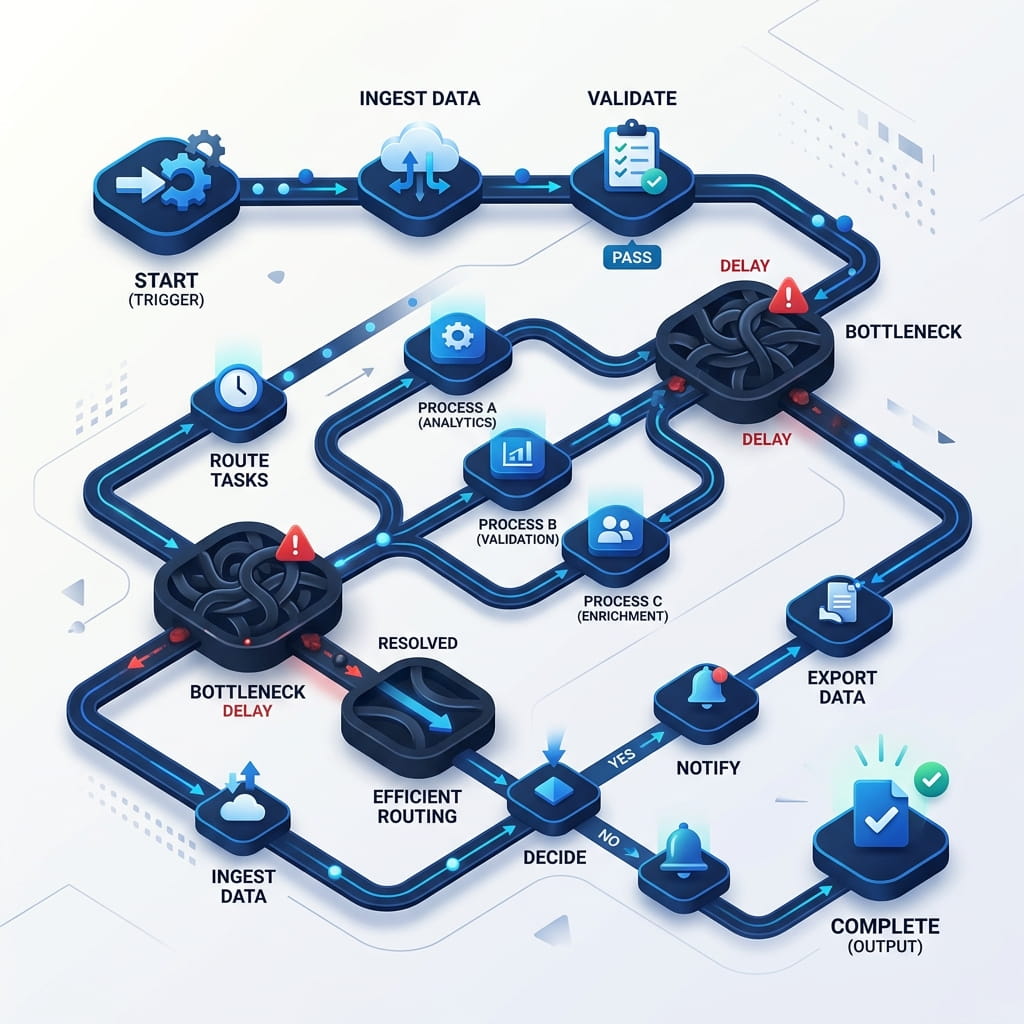
A document approval workflow is a path a file takes from “submitted” to “signed off,” with named people, a clock, and an outcome stored on the record. It is the opposite of the five bottlenecks most teams already know: buried email, version soup, chase-ups, one person on leave, and no evidence. This article is the how-to: how to design the path so approval workflow software has something real to run.
"If the only record of approval is a Slack thread, you do not have a workflow. You have a conversation that will be deleted."
Design the path before you draw it1. Name one process, not “all approvals”
Pick a single document type first: invoices over a threshold, NDAs, offer letters, or policy acknowledgments. Write the happy path in one sentence: When X is uploaded (or a form is submitted), A reviews, then B, then the file is marked approved and stays in folder Y.
If you cannot write that sentence, you are not ready for a designer canvas. You are still arguing about who owns the process.
2. Choose the trigger
Workflows that wait for someone to “start the workflow” die in the same inbox you were trying to escape. Prefer:
- Document uploaded to a folder (invoices, contracts).
- Form submitted (requests, onboarding packs).
- Metadata change (status = ready for legal).
- Schedule (monthly policy recertification)—only if the work is truly recurring.
Match the trigger to how work already arrives. Do not invent a new intake just to look automated.
3. Sequential vs parallel routing
| Pattern | Use when | Watch-out |
|---|---|---|
| Sequential (A then B then C) | Later reviewers depend on earlier ones | One delay blocks everyone |
| Parallel (A and B at once) | Independent sign-offs | Conflicting comments; define who wins |
| Conditional (amount, type, region) | Rules are stable and data exists on the file | Missing metadata sends the file down the wrong path |
Route by role (Finance Manager), not a named person, whenever you can. Named people go on holiday. Roles persist. Add a substitute or escalation when a step sits too long—do not wait for a hero.
4. Put a clock on every step
An SLA is not a slogan. It is: due in N hours, remind at N/2, escalate to a backup role at N. Without that, you have rebuilt email with extra clicks. Keep SLAs realistic (same-day for invoices under a cap; days for a full MSA) or people will auto-approve to clear the queue.
5. Define reject, revise, and skip
Happy paths are easy. Real paths need:
- Reject — with a required comment, file returns to submitter, version stays.
- Request changes — same record, new version, workflow resumes at the right step (not from zero unless content changed materially).
- Out of office — delegate or escalate; do not stall the company.
Freeze the version before e-sign or final approve. If the PDF changes after invitations, restart signing. See e-sign inside document management.
6. Record the outcome on the document
The audit trail should answer: who was asked, who acted, when, approve/reject/changes, and which version they saw. That log belongs with the file, not in a private mailbox. Permissions still apply: not everyone who approves should see a compensation folder. RBAC and workflow are a pair.
A starter map (invoice)
- Trigger: PDF lands in Accounts Payable (upload or email-to-folder).
- Optional: AI document processing fills vendor, amount, date—reviewer confirms.
- If amount ≤ cap → manager. If above → manager then finance.
- SLA: 24 hours per step, escalate to backup.
- Approved copy stays in the AP folder with the log. Rejected copy returns with comments.
Clone this for contracts (legal then business owner) or HR (offer letter then e-sign). Do not start with a 40-step diagram.
Where TurboWorkflow fits
TurboWorkflow is document workflow automation on top of the TurboDMS repository: visual design, sequential or parallel approvals, conditions on document data, triggers on upload or form submit, reminders and SLA-style alerts, delegation, and an audit trail on the file. It is not a generic ticketing tool with a PDF attached. For product fit more broadly, see how to choose document management software.
Frequently asked questions
What is a document approval workflow?
A defined path from submission to sign-off: who reviews, in what order, under what conditions, with reminders and a recorded outcome on the document.
Should approvals be sequential or parallel?
Sequential when later reviewers depend on earlier ones. Parallel when roles are independent and order does not change what “approved” means.
What belongs in the audit trail?
Who was asked, who acted, when, the decision, and which version they saw. Chat and verbal OK do not survive an audit.
The bottom line
Build one workflow for one document type: trigger, roles, clock, exceptions, evidence. Then copy the pattern. Approval software cannot fix a process you have not named. If the document is created from a form first, see document automation: generate, route, and file.