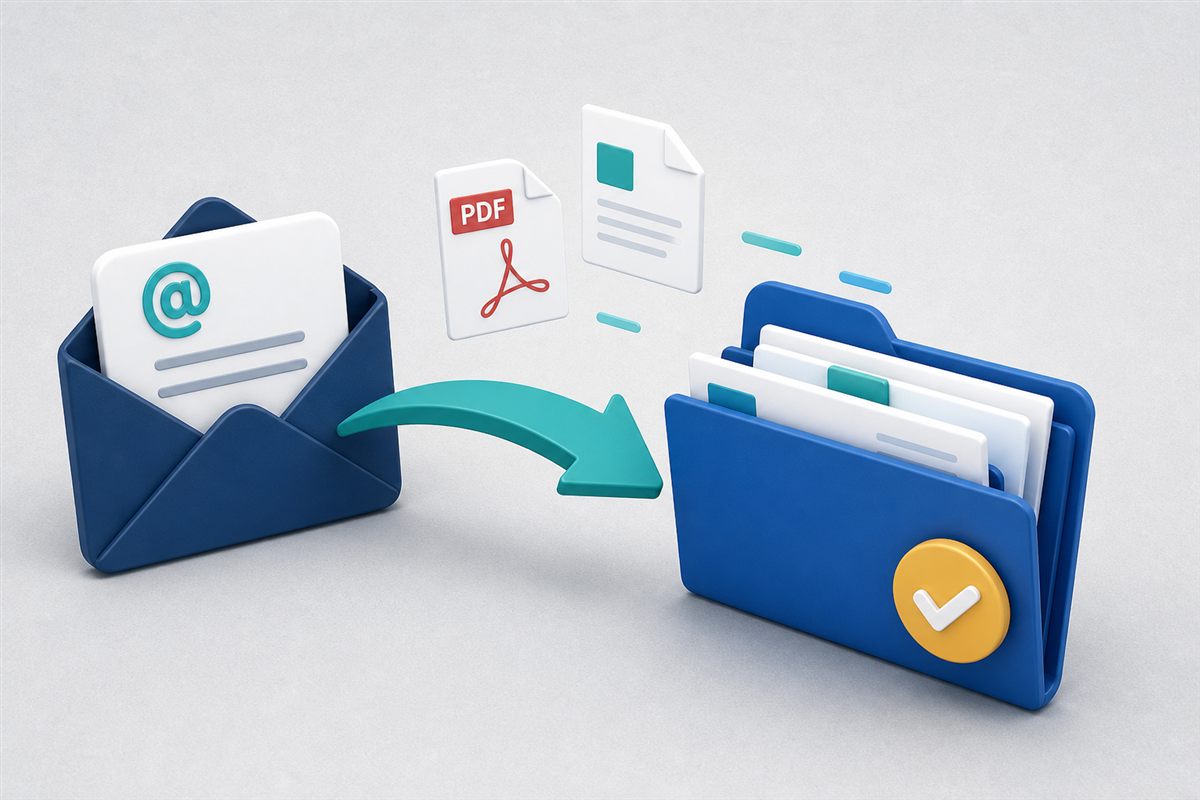
Email is still how most business documents arrive. Vendors send invoices. Clients forward signed PDFs. Partners reply-all with the “final” attachment. The problem is not receiving those files—it is where they live afterward: buried in personal inboxes, duplicated across threads, or never filed into the system of record.
Email-to-folder capture gives each DMS folder an ingest address. Forward or send a message to that address, and attachments land in the folder—ready for search, permissions, and workflows.
"If the official copy only exists in someone's Sent folder, you do not have an official copy."
Why teams adopt email ingestWhy Attachments Escape the System
- Friction. Download, rename, navigate folders, upload—people skip steps when busy.
- Personal ownership. Files stay tied to one mailbox instead of a shared record.
- Thread sprawl. The “latest” attachment is whichever message someone happened to open.
- No indexing. Inbox files are invisible to DMS search, retention, and audit trails.
These gaps show up as delayed approvals, missing invoices at month-end, and scramble searches before audits. They are the same class of bottlenecks we cover in workflow productivity traps.
How Email-to-Folder Capture Works
In a typical setup:
- An administrator or folder owner enables an ingest address for a folder (for example, a vendor invoices folder or a matter file).
- Users—or external senders who know the address—email documents to that address.
- The DMS accepts the message, extracts attachments, and stores them in the target folder.
- Normal rules apply: permissions, malware scanning on upload, indexing/OCR, versioning, and optional workflows.
Some organizations publish department addresses (AP, HR onboarding, claims intake). Others keep addresses internal and have staff forward from their own mailboxes.
Best Practices for Reliable Capture
1. Map Addresses to Real Folders
Create addresses for destinations people already understand: Accounts Payable / Vendor Invoices, Client Onboarding / ID Packs, Projects / Change Orders. Vague “dropbox” folders become junk drawers.
2. Control Who Knows the Address
Treat ingest addresses like semi-public APIs. Share them with trusted senders; rotate or disable them if they leak. Pair with folder permissions so only the right staff see what arrives.
3. Prefer Attachments Over Body-Only Content
Capture works best when the document is an attachment. Teach vendors and clients to attach PDFs rather than pasting screenshots into the email body alone.
4. Connect Capture to What Happens Next
Filing is step one. Route new arrivals into review tasks, metadata tagging, or approval workflows so email ingest feeds a process—not just a pile.
How a Modern DMS Helps
TurboDMS supports email-to-folder import on plans that include it: each eligible folder can have an ingest address so attachments land where your team expects them. Once inside the repository you get:
- Centralized storage under folder permissions instead of personal mailboxes.
- Search and OCR indexing so captured files are findable by content.
- Version history and audit activity on the document record.
- Downstream workflows for approvals, acknowledgments, or further routing.
Email ingest complements—not replaces—other intake paths such as web uploads, document portals, and forms.
The Bottom Line
Documents will keep arriving by email. The question is whether they stay trapped in inboxes or become governed records. Email-to-folder capture closes that gap with almost no change to how senders already work—and a much clearer home for every attachment that matters.