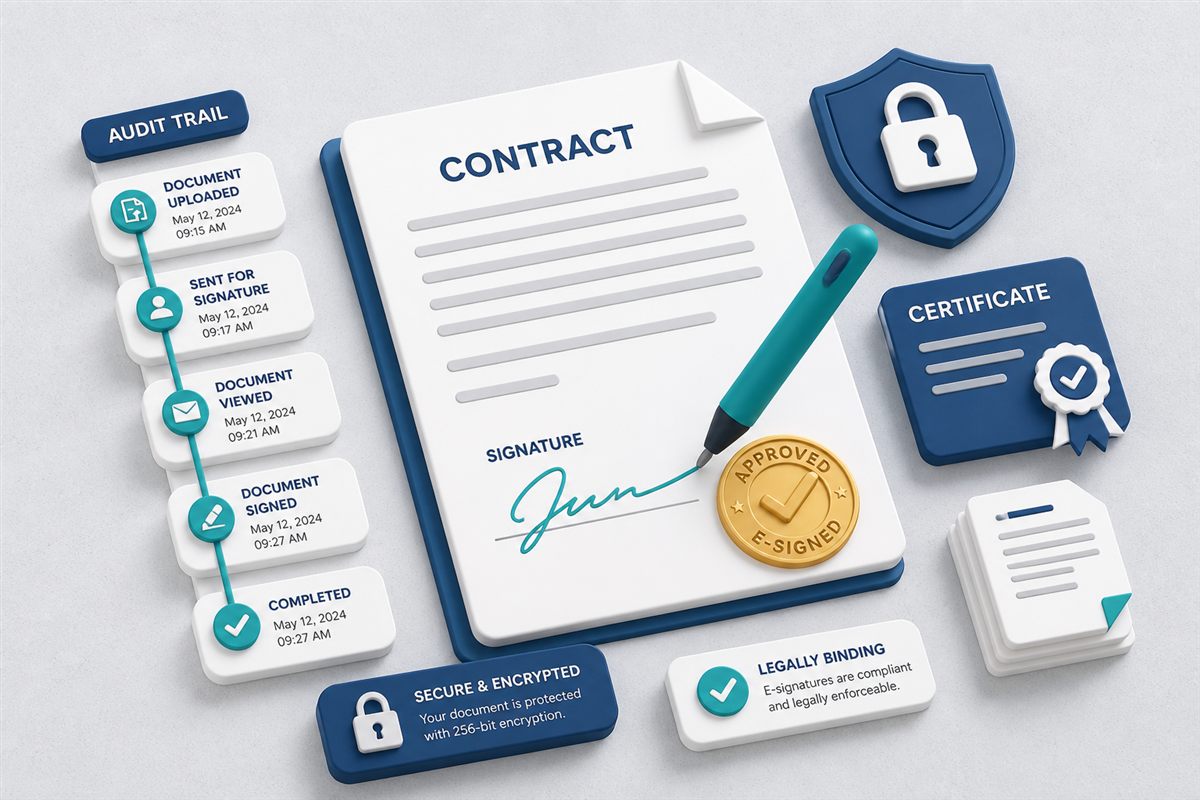
Electronic signatures sped up contracting—but many teams still treat signing as a side quest. A PDF leaves the DMS (or never lived there), gets signed in a separate tool or printed-and-scanned, then returns as Contract_SIGNED.pdf sitting next to three unsigned drafts. The signature may be valid; the recordkeeping often is not.
Embedding e-sign in document management keeps the draft, the signing order, the completed file, and the evidence trail on one document record.
"A signature without a clear version and trail answers only half the question an auditor will ask."
Why e-sign belongs next to version controlThe Cost of Signing Outside the System
- Version drift. Signers mark up an outdated draft while legal already revised another copy. (See version control best practices.)
- Filing gaps. Completed PDFs land in inboxes and never replace—or get linked to—the working record.
- Weak context. Months later, nobody knows who was invited to sign, in what order, or which certificate belongs to which file.
- Permission leaks. Broad email attachments bypass folder roles and expiry controls.
What “E-Sign Inside a DMS” Means
Built-in electronic signatures typically let you:
- Select a document already stored in the repository.
- Invite one or more signers, optionally in a defined order.
- Share a signing link so external parties can sign without a full product account.
- Capture completion evidence (such as a certificate of completion / audit details).
- Keep the signed output with the same document history and access rules.
Legal requirements for electronic signatures vary by jurisdiction and document type. Treat e-sign as an operational control that strengthens process and evidence—and confirm with counsel which transactions need additional formalities in your region.
Practices for Audit-Ready Signing
1. Freeze the Version Before You Invite Signers
Complete internal review first. If content changes after invitations go out, restart or re-route signing instead of hoping everyone noticed the update.
2. Use Signer Order When It Matters
Sequential signing (legal → finance → counterparty) prevents premature execution. Parallel signing works when roles are independent and order is irrelevant.
3. Store Evidence With the Record
Keep certificates, timestamps, and signer identity details alongside the signed file—not in a separate email folder. Your future self (and auditors) will look in one place.
4. Pair Signatures With Access Control
Only the right roles should launch or download executed agreements. Combine e-sign with RBAC, controlled sharing, and retention rules for long-lived contracts.
How a Modern DMS Helps
TurboDMS includes built-in electronic signatures so teams can:
- Invite multiple signers with optional signing order.
- Use public signing links for external parties.
- Retain completion evidence with an audit-oriented trail / certificate of completion.
- Keep signed files in the repository under version history, permissions, and search.
- Connect to workflows so approvals and signatures are stages of one process—not disconnected tools.
On plans that include them, workflows and e-sign together reduce the “download → sign elsewhere → re-upload” loop that creates duplicate records. For the product walkthrough, see PDF e-signatures inside TurboDMS.
The Bottom Line
Electronic signatures save time. Electronic signatures inside document management save arguments later: which version was signed, who signed it, and where the evidence lives. If signed PDFs still float through email, consolidating signing with your DMS is one of the clearest upgrades for both speed and defensibility.