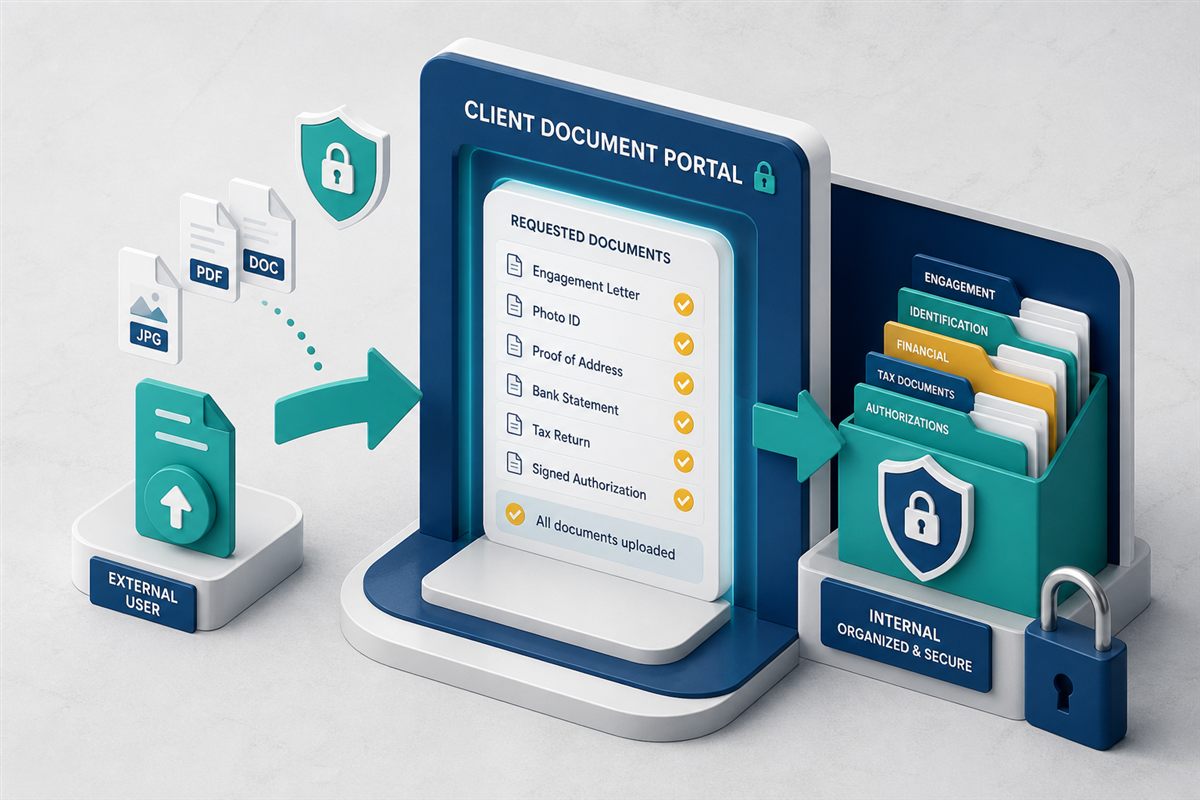
Document automation software creates documents from data instead of from a blank Word file. Someone fills a form (or a system supplies fields). A template becomes a PDF. A workflow asks for approval or a signature. The finished file sits in the DMS with versions and permissions. That pipeline—generate, route, file—is what buyers mean by document automation, and it is why forms management software and a DMS belong in the same conversation.
A repository alone does not type the NDA. A form tool that emails a PDF does not govern it. You want both. Related: what a DMS is and how to build approval workflows.
"If the output never lands in the same system as versions and access control, you automated a printer."
File is not optionalThe three stages
| Stage | What happens | Typical tool |
|---|---|---|
| Generate | Capture fields and files; merge into a standard document | Forms + templates |
| Route | Review, approve, or sign | Workflow / e-sign |
| File | Store in the right folder with metadata and history | DMS |
Generate
Build a form once: vendor name, addresses, attachments. Collect files with the submission when the process needs certificates or IDs. Generate the PDF (or filled template) so every vendor pack looks the same. That is forms management plus document generation—not a survey tool that dumps answers into a spreadsheet.
Route
Kick a workflow on submit: manager for low-risk, legal for NDAs, finance for invoices over a cap. E-sign if the output is an agreement. Do not download-sign-reupload. See PDF e-signatures in the DMS.
File
The generated document and attachments should appear in a known folder, tagged, searchable, and permissioned. If staff still drag the PDF into a shared drive, automation stopped one step early.
Good first processes
- Vendor registration — form + insurance PDFs → compliance review → vendor folder.
- Employee onboarding — checklist + generated offer letter → e-sign → personnel folder (HR files guide).
- Standard requests — access request, NDAs, repeating certificates.
Skip one-off creative work. Automate what you already copy-paste fifty times a month.
What to look for
- Form builder non-developers can edit.
- File uploads on the same submission.
- Generated documents stored in the DMS, not only emailed.
- Workflow trigger on submit (TurboWorkflow).
- The same audit trail as other records.
TurboForms is forms management and document generation on TurboDMS: structured capture, client file collection, PDF generation, and handoff into repository workflows. It is not a standalone “contract AI that drafts from a prompt” product—and you should not buy that if your real gap is intake.
Frequently asked questions
What is document automation software?
Software that turns structured inputs into finished documents, then routes and stores them as governed records.
How is it different from a DMS?
A DMS stores and governs. Automation creates the file from data. Use generate, then file.
What is forms management software?
The intake half: digital forms, fields, attachments, then generation and workflow. Often a module of document automation.
The bottom line
Document automation is a conveyor: form, document, approval, folder. If any step dumps into email, you will rebuild the mess you paid to leave.