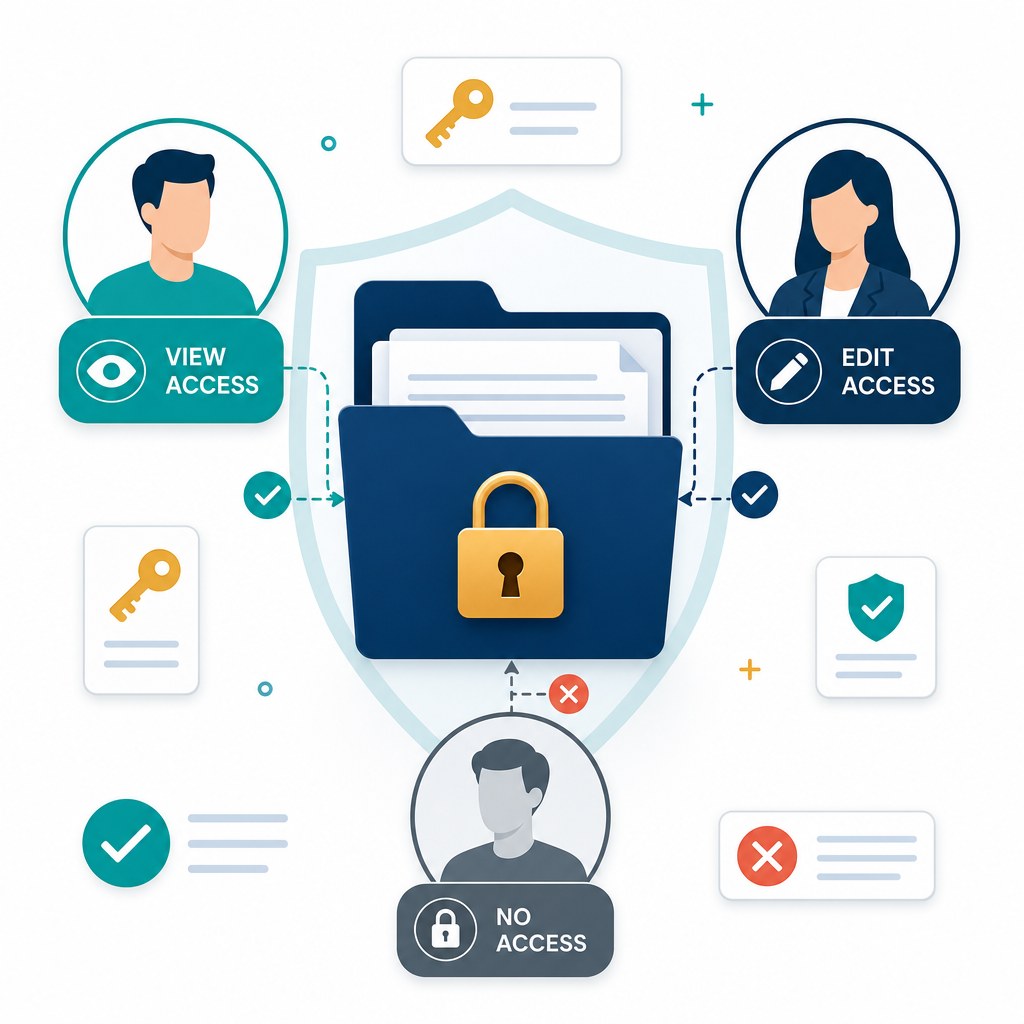
Employee document management is the system of record for people files: contracts, IDs, tax forms, reviews, and signed policies. It is not your HRIS. Payroll still lives in HR software. The PDFs and scans that prove employment, identity, and consent belong in employee file management software with folders, permissions, and retention—not in a shared drive named “HR_SCANNED.”
If files still arrive as WhatsApp photos and email attachments, this guide is the operating model. Product fit: TurboDMS for HR and employee documents.
"A manager who can open every employee’s compensation letter does not have a ‘transparent culture.’ They have a permission mistake."
Separate the file typesHRIS vs employee files
| HRIS / payroll | Employee file management | |
|---|---|---|
| Holds | Job, pay, leave balances | Agreements, IDs, forms, reviews |
| Typical risk | Wrong pay | Wrong person seeing a medical or salary PDF |
| Audit question | What was paid? | Which version was signed, who viewed it, how long we kept it |
Keep employee IDs aligned so you can find “Jane Doe’s folder” from either system. Do not try to replace payroll with a DMS.
A personnel folder that actually works
Use one folder (or template) per employee, with subfolders that match access, not convenience:
- Employment — offer, contract, amendments.
- Identity / KYC — passport, right-to-work, address proof.
- Policies — signed handbook, NDA, code of conduct.
- Performance — reviews (managers + HR, not all staff).
- Pay and tax — compensation letters, tax forms (HR / payroll only).
- Medical / sensitive — tightest access; often a named HR role only.
That split is role-based access, not a nicer shared folder. Line managers should not inherit “everything in HR.”
Onboarding without the chase
New hires should not guess what you need. Send a checklist and a secure upload path: ID, signed NDA, certificates, tax form. Files land in the employee folder; status shows what is still missing. That is a document portal / request, not another “please find attached” thread. Offer letters and policies can be signed in the same repository—e-sign on the record—instead of a scan from a phone.
Privacy, PII, and retention
ID scans and tax forms are personal data. Limit who can download them. Where the platform supports it, detect and redact identifiers on upload so extra copies are not sitting in full in search snippets. After exit, keep what labour and tax law require, then dispose with a logged action—not a silent delete. Schedules differ by country (including GDPR and India’s DPDP). Treat published year-counts as starting points; counsel owns the final table. See document retention policies and records management vs document management.
What to look for
- Folder templates you can clone per hire.
- Subfolder permissions that are stricter than the parent.
- External collection without a full product account.
- Retention by document class (tax vs reviews vs IDs).
- Audit of views and downloads on personnel files.
TurboDMS employee document management is built for those controls on top of the core DMS: portals, RBAC, retention, e-sign, and PII detection/redaction. It will not replace your HRIS.
Frequently asked questions
Is this the same as an HRIS?
No. HRIS is people data. Employee file management is the documents. Use both.
What belongs in the personnel folder?
Agreements, identity evidence, signed policies, tax and benefits forms, performance records—with pay and medical files locked down harder than general HR.
How long after exit?
Depends on labour, tax, and privacy law. Automate a reviewed schedule; do not keep every scan forever “just in case.”
The bottom line
HR files fail in email and shared drives because confidentiality and retention are not folder features. Employee file management software is a DMS used properly: one folder per person, the right eyes, a complete onboarding pack, and a clock on what you keep.